أدلة الاستخدامUser guides

دليلان شاملان بالعربية والإنجليزية: دليل تطبيق بصمة على الجوال لكل الأدوار، ودليل لوحة التحكم لإدارة المدرسة. بأمثلة عملية خطوة بخطوة وصور من الشاشات.

Two complete guides in Arabic and English: the Basma mobile app guide for every role, and the control panel guide for school administrators. Practical, step-by-step, with screenshots.

الإصدار الثاني · نوفمبر 2026Second edition · November 2026عربي وإنجليزيArabic and EnglishPDF

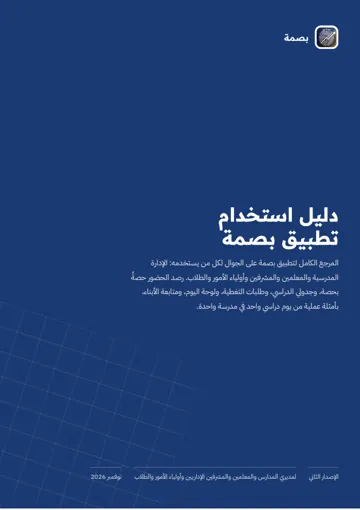
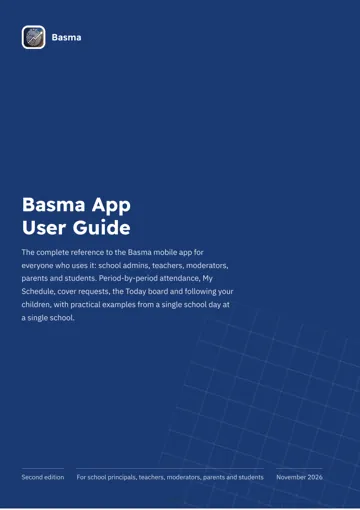
دليل تطبيق بصمةBasma app guide

للإدارة والمعلمين والمشرفين وأولياء الأمور والطلابFor school admins, teachers, moderators, parents and students

المرجع الكامل للتطبيق: رصد الحضور حصةً بحصة، وجدولي الدراسي، وطلبات التغطية، ولوحة اليوم، وإضافة الطلاب ونقلهم، والتقارير، ومتابعة الأبناء، والإشعارات.

The complete reference for the app: attendance period by period, My Timetable, cover requests, the Today board, adding and moving students, reports, following your children and notifications.

الفصول (١١)Chapters (11)
  1. 1مقدمةIntroduction
  2. 2البدءGetting started
  3. 3للمعلمFor teachers
  4. 4للإدارة المدرسيةFor school admins
  5. 5للمشرف الإداريFor moderators
  6. 6لولي الأمرFor parents
  7. 7للطالبFor students
  8. 8الإشعاراتNotifications
  9. 9المميزات الإضافيةExtra features
  10. 10استكشاف الأخطاء والأسئلة الشائعةTroubleshooting and FAQ
  11. 11قائمة المصطلحاتGlossary

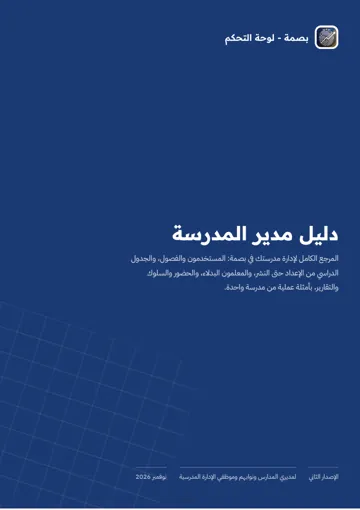
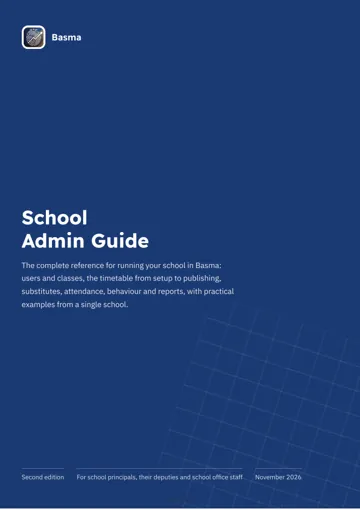
دليل لوحة التحكمControl panel guide

لمدير المدرسة ومشرفي النظامFor school principals and system administrators

دليل مدير المدرسة للوحة التحكم على الويب: الصفحة الرئيسية ومؤشراتها، والمستخدمون والفصول، وبناء الجدول الدراسي وتوليده، والمعلمون البدلاء، والحضور، والسجل السلوكي، والاستيراد الجماعي، والإعدادات.

The school administrator’s guide to the web control panel: the dashboard, users and classes, building and generating the timetable, substitutes, attendance, behaviour records, bulk import and settings.

افتح لوحة التحكمOpen the control panelapp.basmapp.com
الفصول (١٥)Chapters (15)
  1. 1مقدمةIntroduction
  2. 2البدءGetting started
  3. 3الصفحة الرئيسيةThe dashboard
  4. 4إدارة المستخدمينManaging users
  5. 5الفصول والمجموعاتClasses and class groups
  6. 6الجدول الدراسيThe timetable
  7. 7المعلمون البدلاءSubstitutes
  8. 8مراقبة الاختبارات والأقسام والأخبارExam invigilation, departments and news
  9. 9الحضور والغيابAttendance and absence
  10. 10السلوك وسجلات الطلابBehaviour and student records
  11. 11الاستيراد الجماعيBulk import
  12. 12إعدادات المدرسةSchool settings
  13. 13سيناريوهات عمل يومية وأسبوعية وفصليةDaily, weekly and termly workflows
  14. 14استكشاف الأخطاء والأسئلة الشائعةTroubleshooting and FAQ
  15. 15قائمة المصطلحاتGlossary

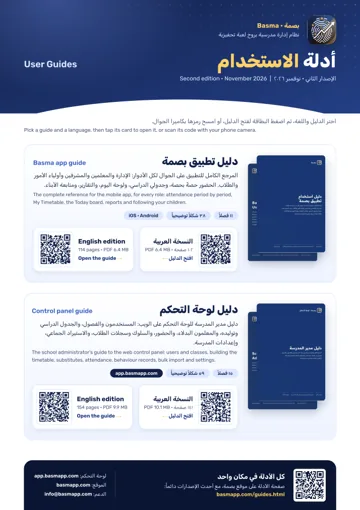
صفحة الأدلة للطباعة (A4)Printable guides page (A4)

صفحة واحدة تجمع الأدلة الأربعة برموز QR يمكن مسحها بكاميرا الجوال. علّقها في غرفة المعلمين أو أرسلها لأولياء الأمور. وهي نفسها التي يفتحها التطبيق من قائمة «عن التطبيق».

One page with all four guides and QR codes you can scan with a phone camera. Pin it in the staff room or send it to parents. It is also the page the app opens from its “About us” menu.

فتح للطباعةOpen to print

جميع البيانات الظاهرة في الأدلة من أسماء مدارس ومعلمين وطلاب وأرقام هي بيانات وهمية أُعدّت للشرح فقط.

All data shown in the guides, including school, teacher and student names and numbers, is fictional and was prepared for illustration only.